Instructions pour les visiteurs du Podcatcher Classic
Utilisez ces supports pour aider votre personnel à remettre et à reprendre les Podcatcher Classic, et pour aider les visiteurs à démarrer leur visite par eux-mêmes.
Fiche de remise et de retour
Section intitulée « Fiche de remise et de retour »Gardez cette fiche à l’accueil ou près des Podcatcher Classic. Elle montre à votre personnel comment remettre et reprendre les appareils.
Télécharger la fiche de remise et de retour (PDF)
Instructions pour les visiteurs
Section intitulée « Instructions pour les visiteurs »Utilisez ce texte sur un panneau, sur un panneau d’activation des langues ou dans une introduction enregistrée.
Anglais
You start the commentary by pointing the player at an activation point, holding it no more than thirty centimeters (one foot) away, like a remote control. You don’t have to press any buttons; the commentary starts automatically after the beep. The device has three buttons. Use the left button to turn the volume down and the right button to turn the volume up. Use the middle button to pause the commentary and then restart it. When you are asked to make a choice, the buttons work as answer options.
Néerlandais
U start een verhaal door de speler binnen 30 cm op een activeerpunt te richten, net als een afstandsbediening. U hoeft daarbij geen toets in te drukken; het commentaar start vanzelf na de pieptoon. Er zitten drie toetsen op het apparaat. Met de linker toets zet u het volume zachter, met de rechter toets zet u het volume harder. De middelste toets gebruikt u om het commentaar te pauzeren en weer te hervatten. Tijdens een keuzefragment werken de toetsen als keuzetoetsen.
Symboles pour la signalétique
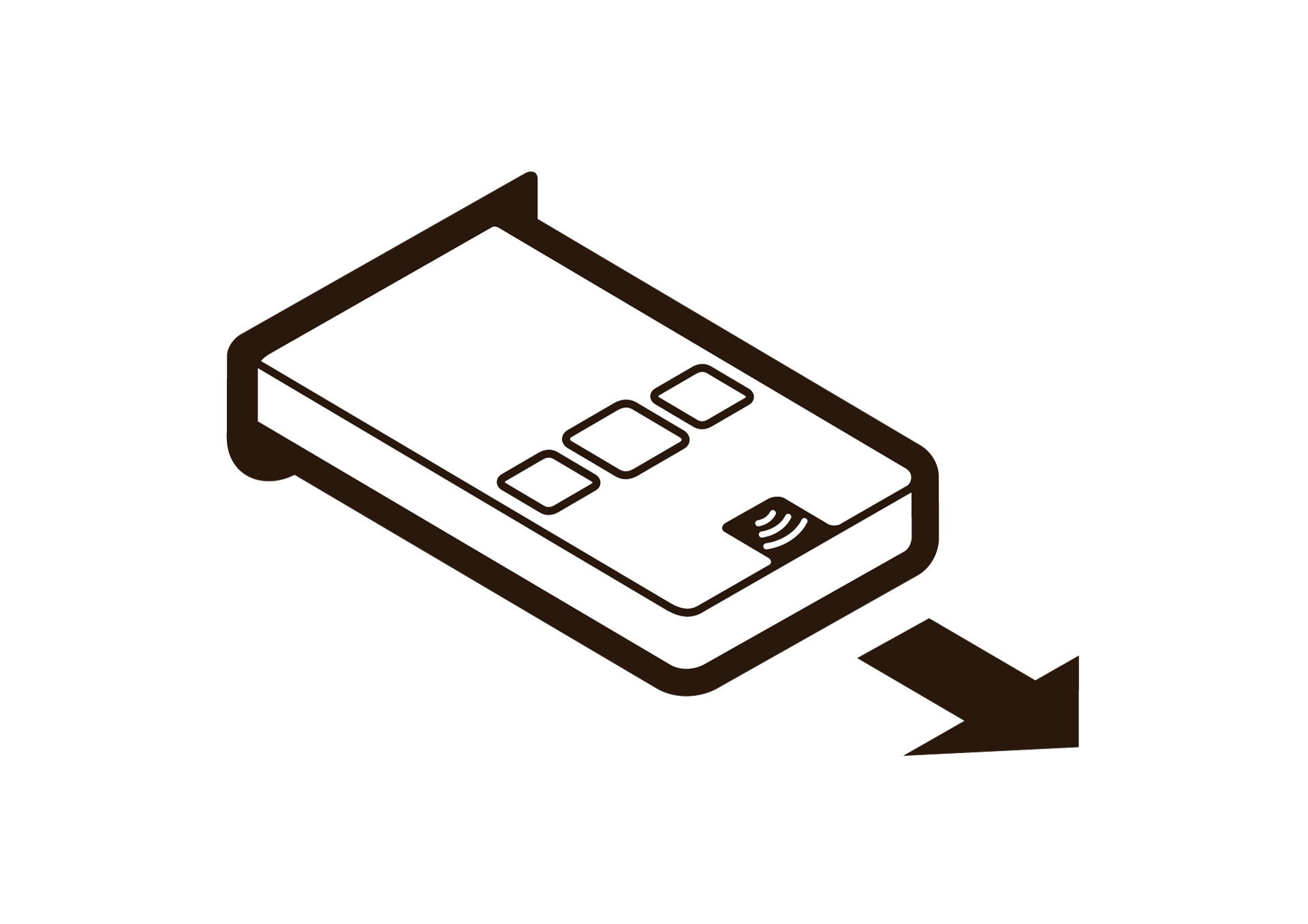
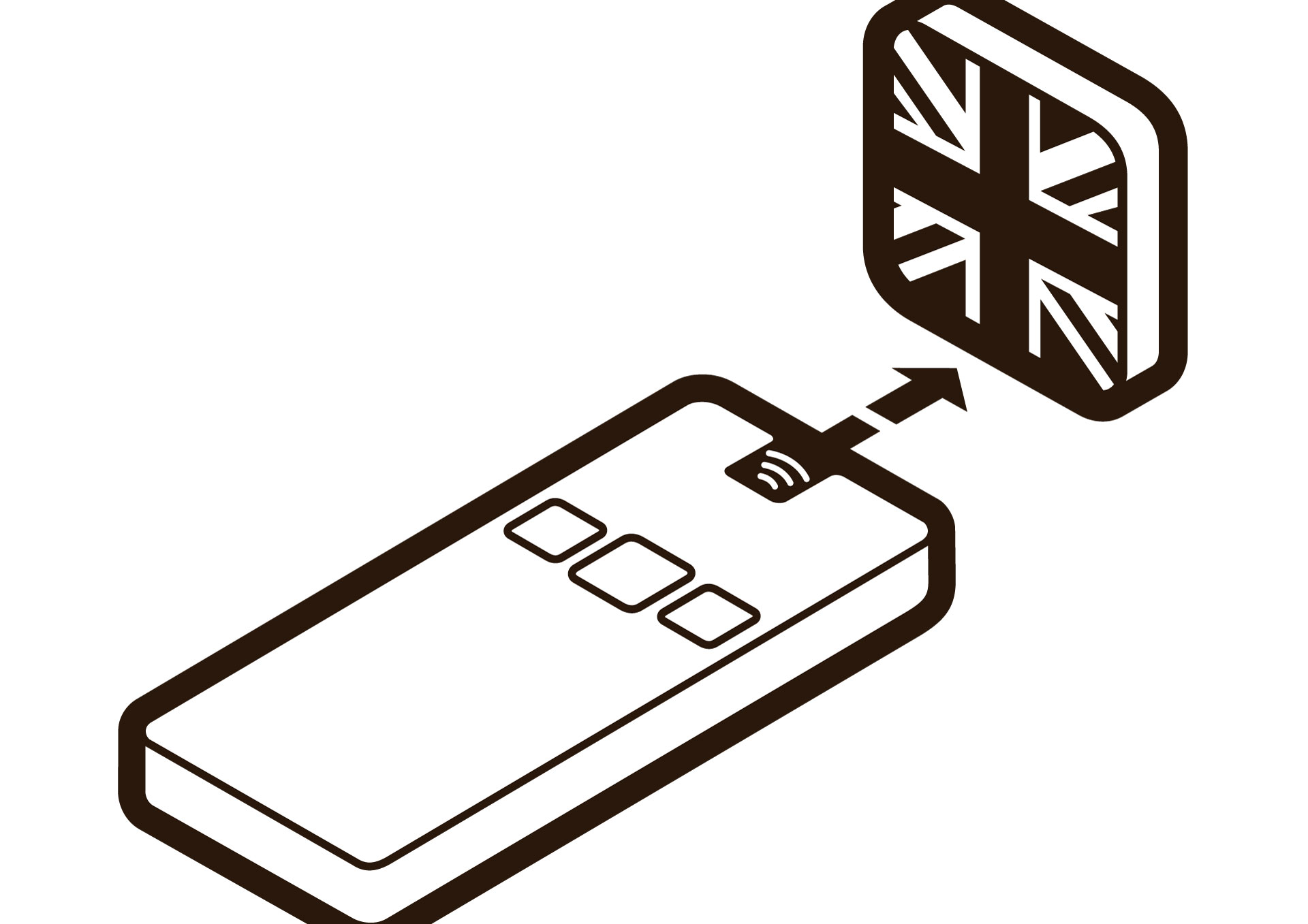
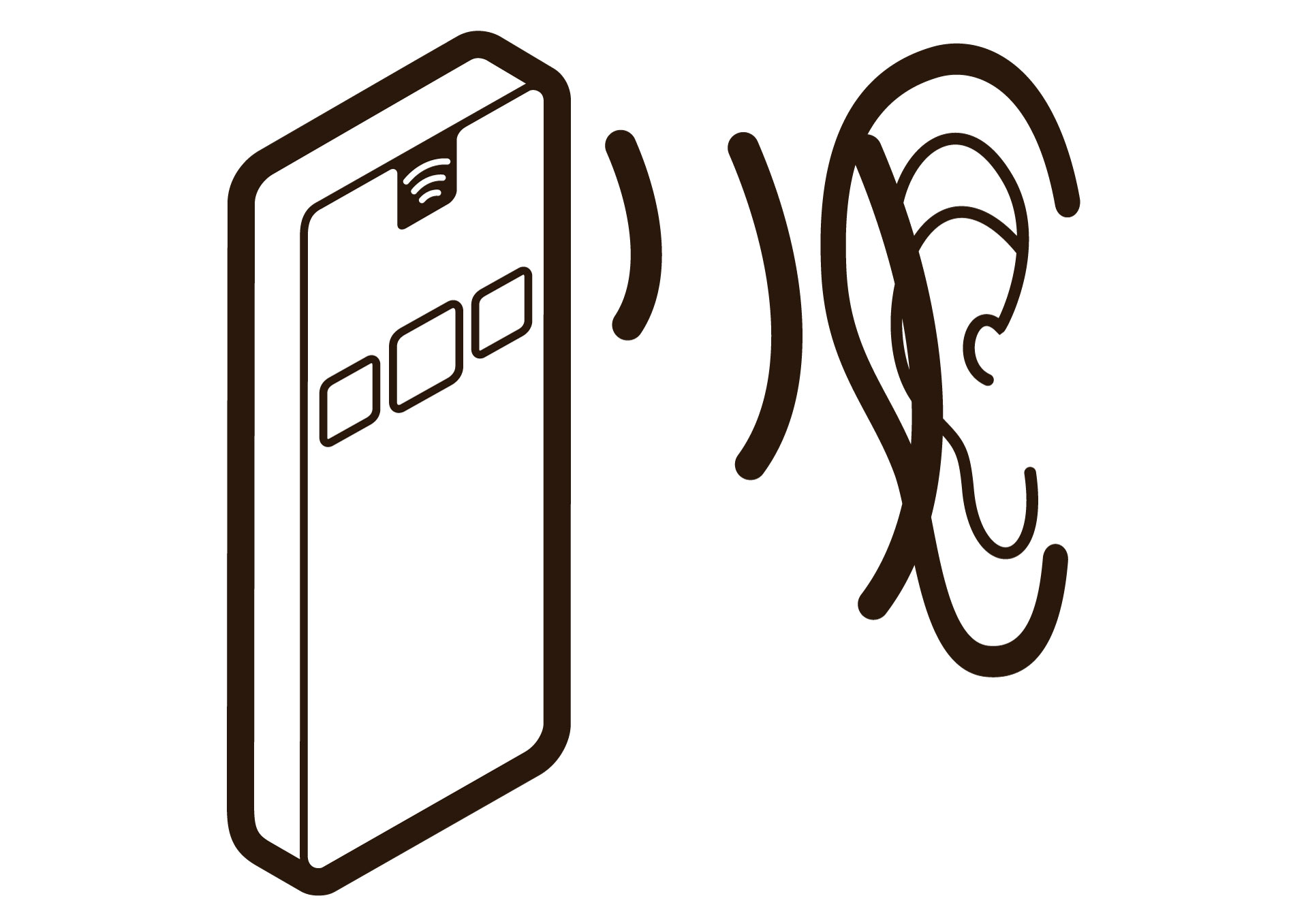
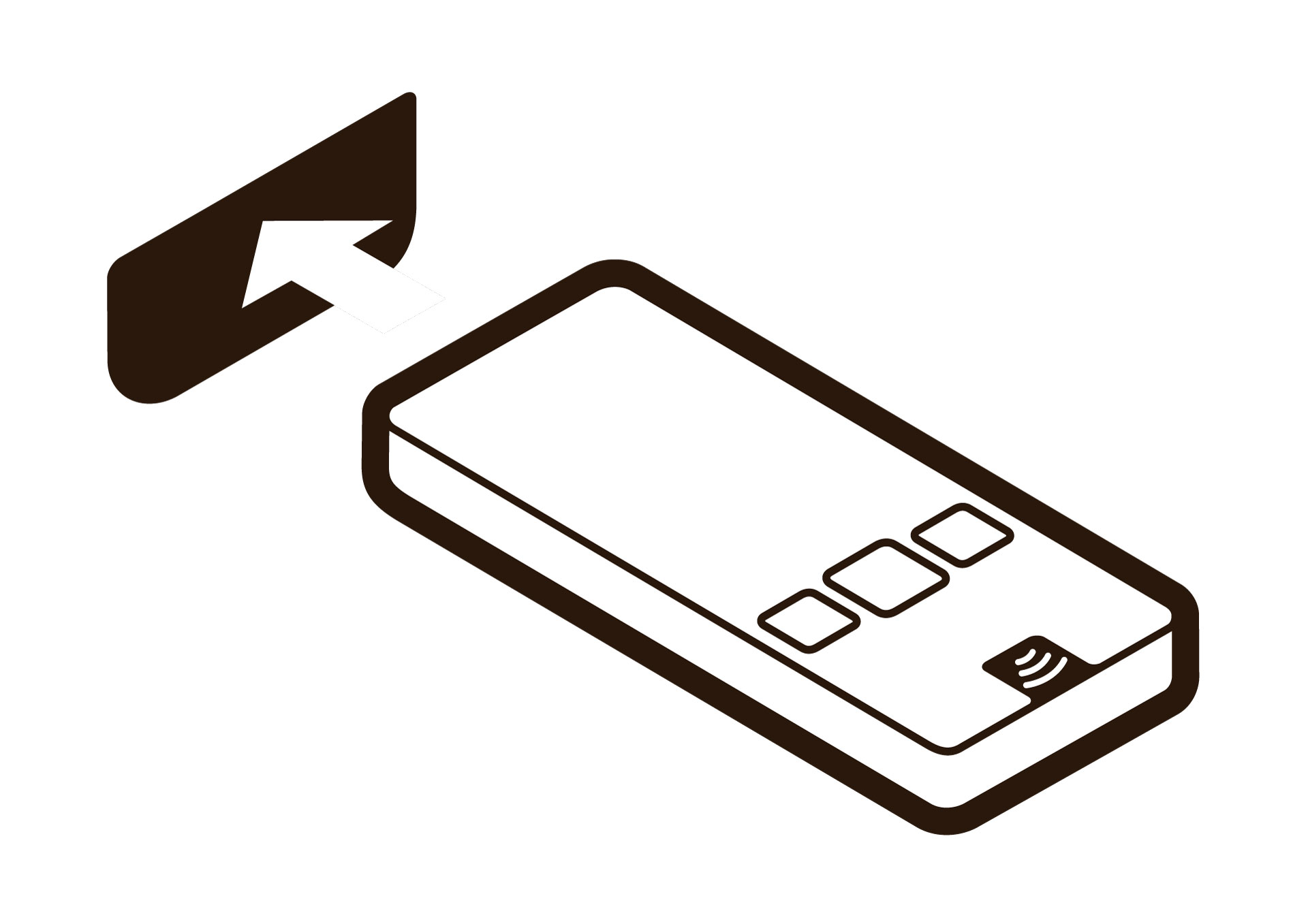
Section intitulée « Symboles pour la signalétique »Quatre symboles montrent les premières étapes de l’utilisation d’un Podcatcher Classic. Ajoutez-les à votre signalétique, à votre panneau d’activation des langues ou à votre mobilier en libre-service.
| Étape | Fichier Illustrator (ZIP) | Image (JPG) |
|---|---|---|
| 1. Sortir le Podcatcher | 1-Take-Pod-out.zip | 1-Take-Pod-out.jpg |
| 2. Choisir une langue | 2-Select-Language.zip | 2-Select-Language.jpg |
| 3. Écouter | 3-Listen.zip | 3-Listen.jpg |
| 4. Remettre le Podcatcher en place | 4-Put-Pod-back.zip | 4-Put-Pod-back.jpg |
Articles associés
Section intitulée « Articles associés »- Qu’est-ce que le Podcatcher Classic ? — l’appareil et le déroulement d’une visite
- LED du Podcatcher Classic — la signification des voyants
- Dockingstations et mobilier — mobilier en libre-service et flux de visiteurs
- Installer les IDentifiers — placer les Start IDentifiers