Dashboard
Dashboard Overview
The Dashboard gives you a real-time snapshot of your audio tour performance. Use it to monitor visitor numbers, identify trends, and track setup progress.
- Log in at platform.guide-id.com.
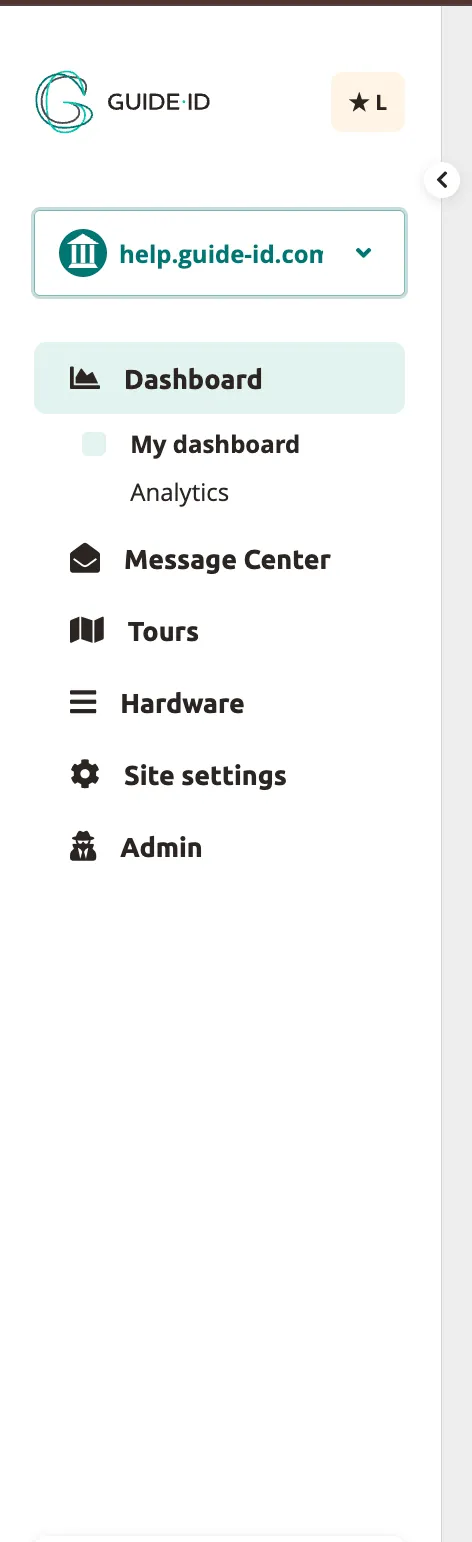
- Open the Dashboard section from the left-hand menu.
Tour Data
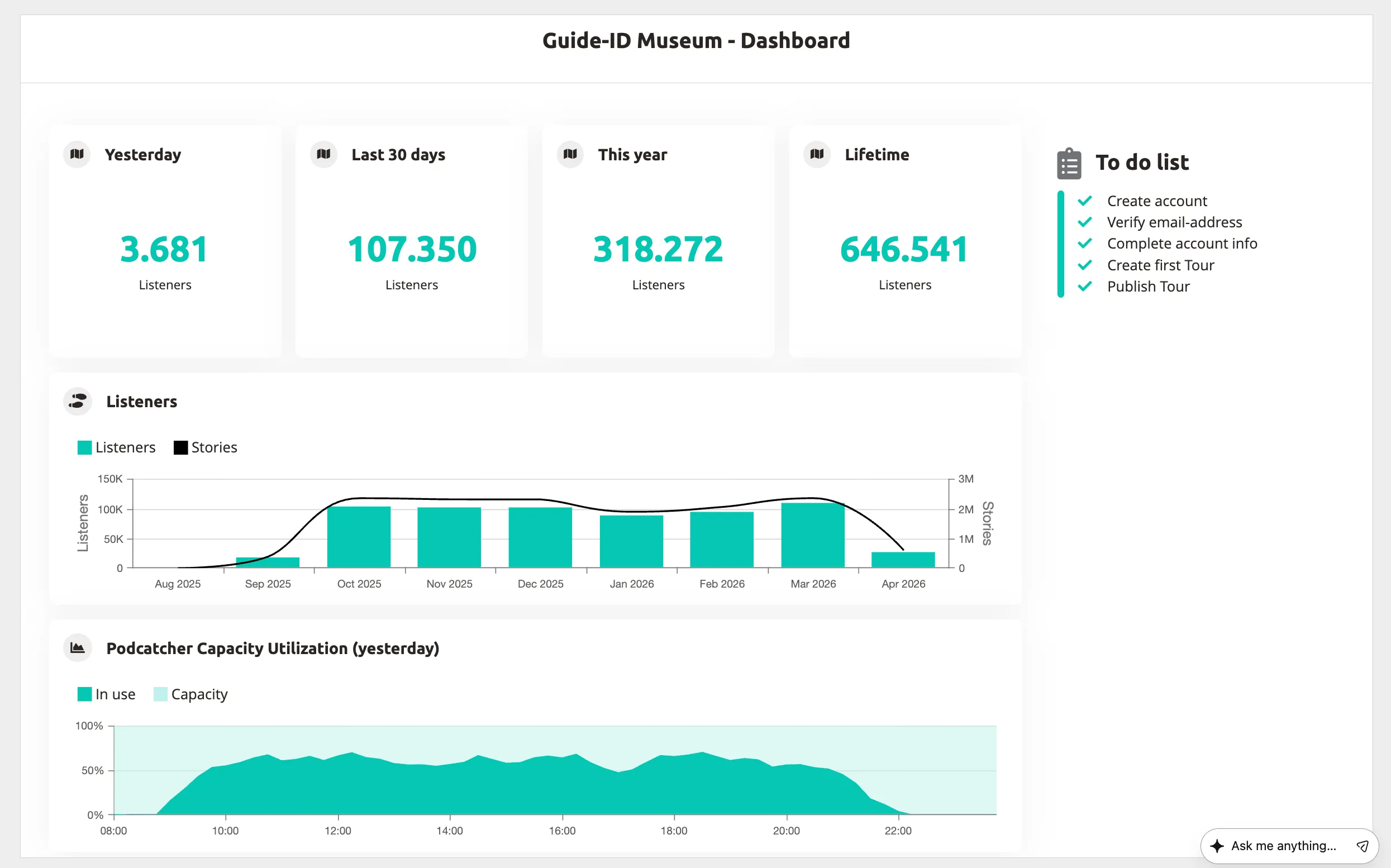
Section titled “Tour Data”The tour data section displays four key metrics at a glance:
- Yesterday — number of listeners in the last 24 hours.
- Last 30 days — listeners over the past month.
- This year — total listeners in the current calendar year.
- Lifetime — all-time total listeners.
Listeners
Section titled “Listeners”The Listeners graph shows a monthly breakdown of listeners over the past year.
Podcatcher Capacity Utilization
Section titled “Podcatcher Capacity Utilization”The capacity chart shows how many Podcatcher Pro devices were in use versus available capacity throughout the previous day. Use this to determine whether you have enough devices during peak hours.
To-Do List
Section titled “To-Do List”The to-do list tracks the steps needed to get your tours live. Each item links to the relevant section in the Platform so you can complete setup tasks directly.
Related Articles
Section titled “Related Articles”Was this article helpful?