Labels and Stickers
Personalize your Beacons and Podcatcher Pro devices with your own labels: language markers on start beacons, symbols or numbers on stops, or your logo on every device. This page explains how to order them.
Ordering labels
Section titled “Ordering labels”Netherlands and Belgium
Section titled “Netherlands and Belgium”Labels are printed by 123-Sticker, which delivers directly to you.
- Guide-ID registers one e-mail address for your organization; you receive an e-mail from 123-Sticker with a link to set a password for that account
- Log in, design your labels in the online tool, order and pay in your own account
- The labels are delivered to your address
Changing the e-mail address of your account is done by 123-Sticker directly; their contact details are in that e-mail. Need an account? Ask helpdesk@guide-id.com.
Other countries
Section titled “Other countries”Guide-ID handles the order for you.
- You receive a personal design link from Guide-ID
- Design your labels and place the order in the tool
- Guide-ID approves and pays the order; the labels are shipped to you together with your hardware delivery and invoiced to you at €2.95 per label
Design ideas
Section titled “Design ideas”- Wi-Fi or audio symbols — instantly recognizable as “audio here”
- Exhibition-specific icons or numbers — one design per stop
- Your museum or organization logo — consistent branding on every device
- Colours — to distinguish areas, floors or themes
Language labels for start beacons
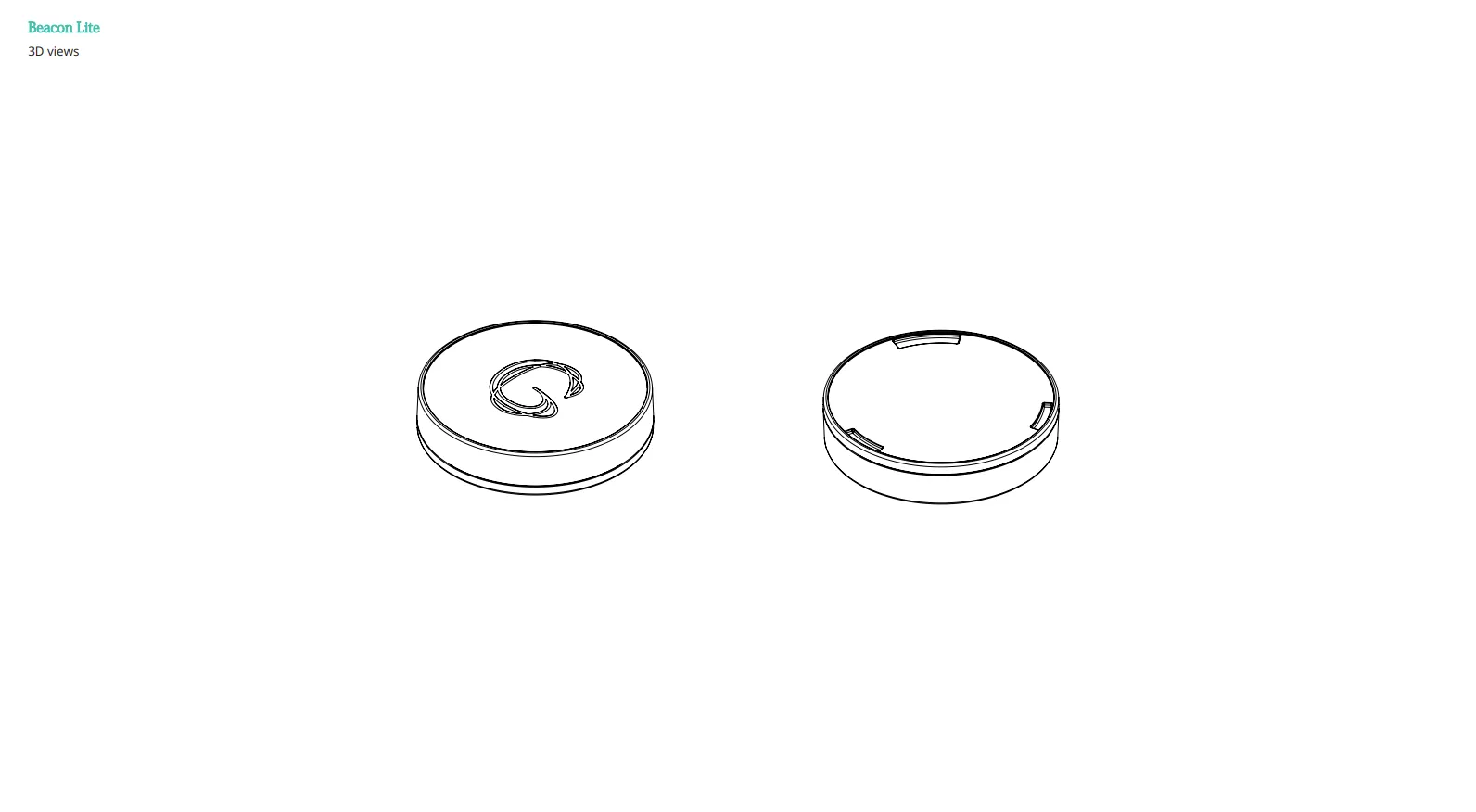
Section titled “Language labels for start beacons”If you offer tours in several languages, a labelled start beacon per language lets visitors pick their language by holding the Podcatcher Pro near the right beacon. New Podcatcher Pro customers receive a set of 12 Beacon Lite labels with their delivery. The design tool contains standard templates for seven languages (Dutch, British English, French, German, Spanish, Italian, American English) plus three general labels. Need another language? Ask helpdesk@guide-id.com.
Podcatcher Pro labels
Section titled “Podcatcher Pro labels”The back of the Podcatcher Pro has a sticker chamber for a full-colour label. Popular choices are your logo, the venue name and a short “Please return to …” message, which helps devices find their way back. Order them the same way as beacon labels.
Who to contact
Section titled “Who to contact”For everything about labels, contact the Guide-ID helpdesk. Only customers in the Netherlands and Belgium deal with 123-Sticker directly, for their own account and orders; 123-Sticker’s contact details are in the e-mail you received from them.
Guide-ID helpdesk — helpdesk@guide-id.com, +31 (0)570 572 202, Monday to Friday 08:30–17:00 (CET, Amsterdam).
Related articles
Section titled “Related articles”- What is a Beacon? — overview of beacon technology
- Beacon Lite Installation — install and configure Beacon Lite