Visitor instructions for the Podcatcher Classic
Use these materials to help your staff hand out and take in Podcatcher Classic devices, and to help visitors start their tour on their own.
Handout and intake sheet
Section titled “Handout and intake sheet”Keep this sheet at the front desk or near the Podcatcher Classic devices. It shows your staff how to hand out and take in the devices.
Download the handout and intake sheet (PDF)
Instructions for visitors
Section titled “Instructions for visitors”Use this text on a sign, a language activation panel or in a recorded introduction.
English
You start the commentary by pointing the player at an activation point, holding it no more than thirty centimeters (one foot) away, like a remote control. You don’t have to press any buttons; the commentary starts automatically after the beep. The device has three buttons. Use the left button to turn the volume down and the right button to turn the volume up. Use the middle button to pause the commentary and then restart it. When you are asked to make a choice, the buttons work as answer options.
Dutch
U start een verhaal door de speler binnen 30 cm op een activeerpunt te richten, net als een afstandsbediening. U hoeft daarbij geen toets in te drukken; het commentaar start vanzelf na de pieptoon. Er zitten drie toetsen op het apparaat. Met de linker toets zet u het volume zachter, met de rechter toets zet u het volume harder. De middelste toets gebruikt u om het commentaar te pauzeren en weer te hervatten. Tijdens een keuzefragment werken de toetsen als keuzetoetsen.
Symbols for signage
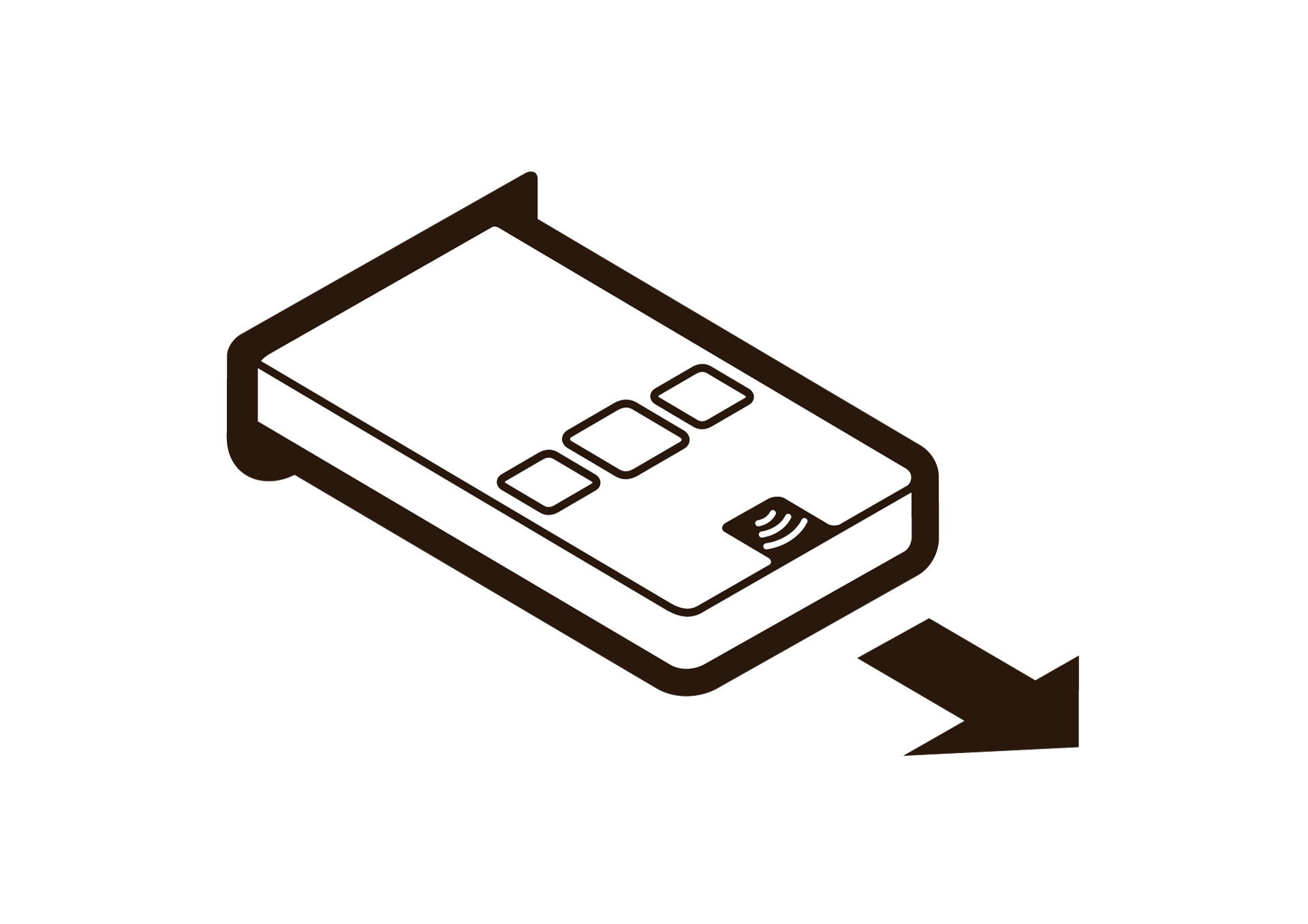
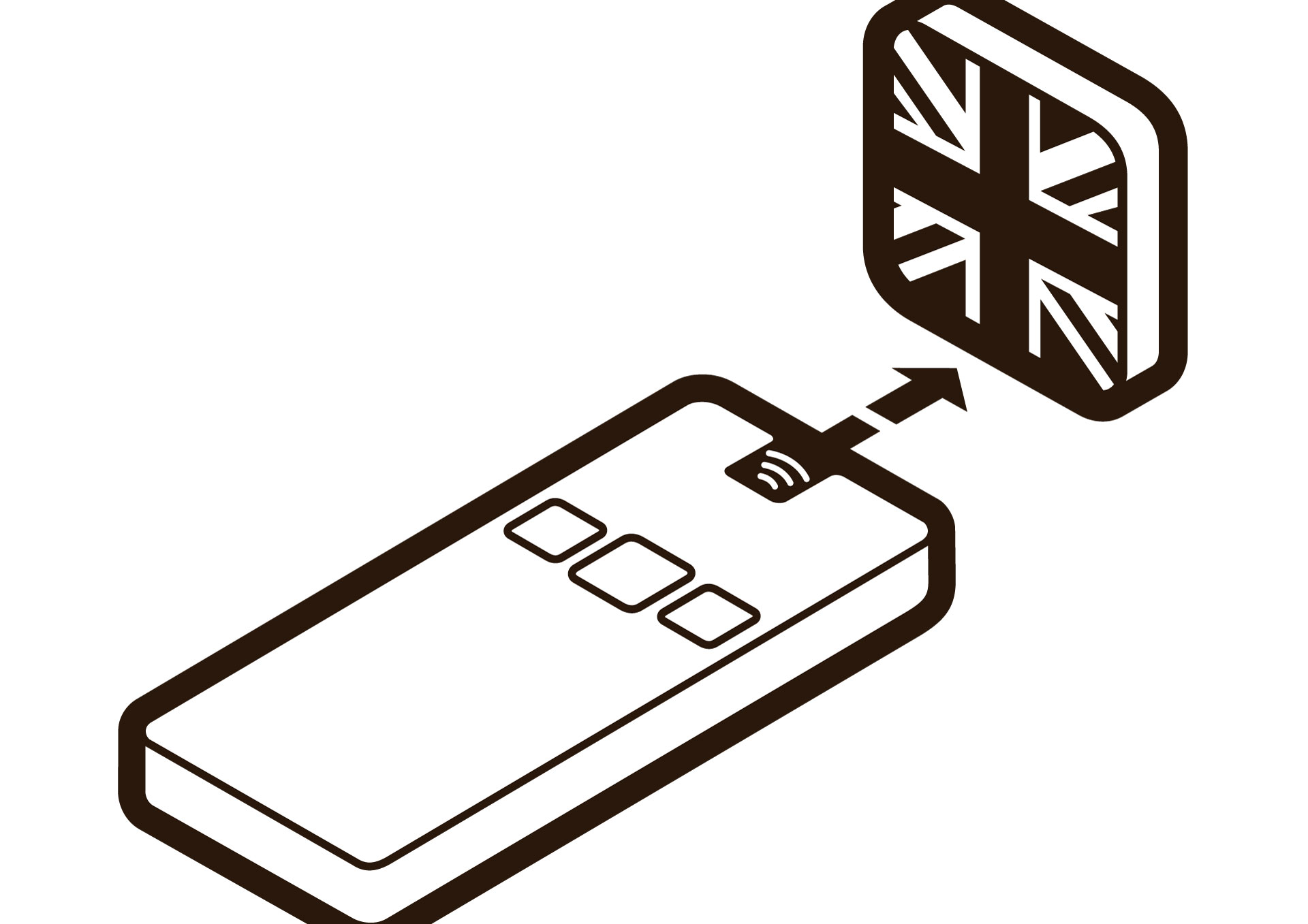
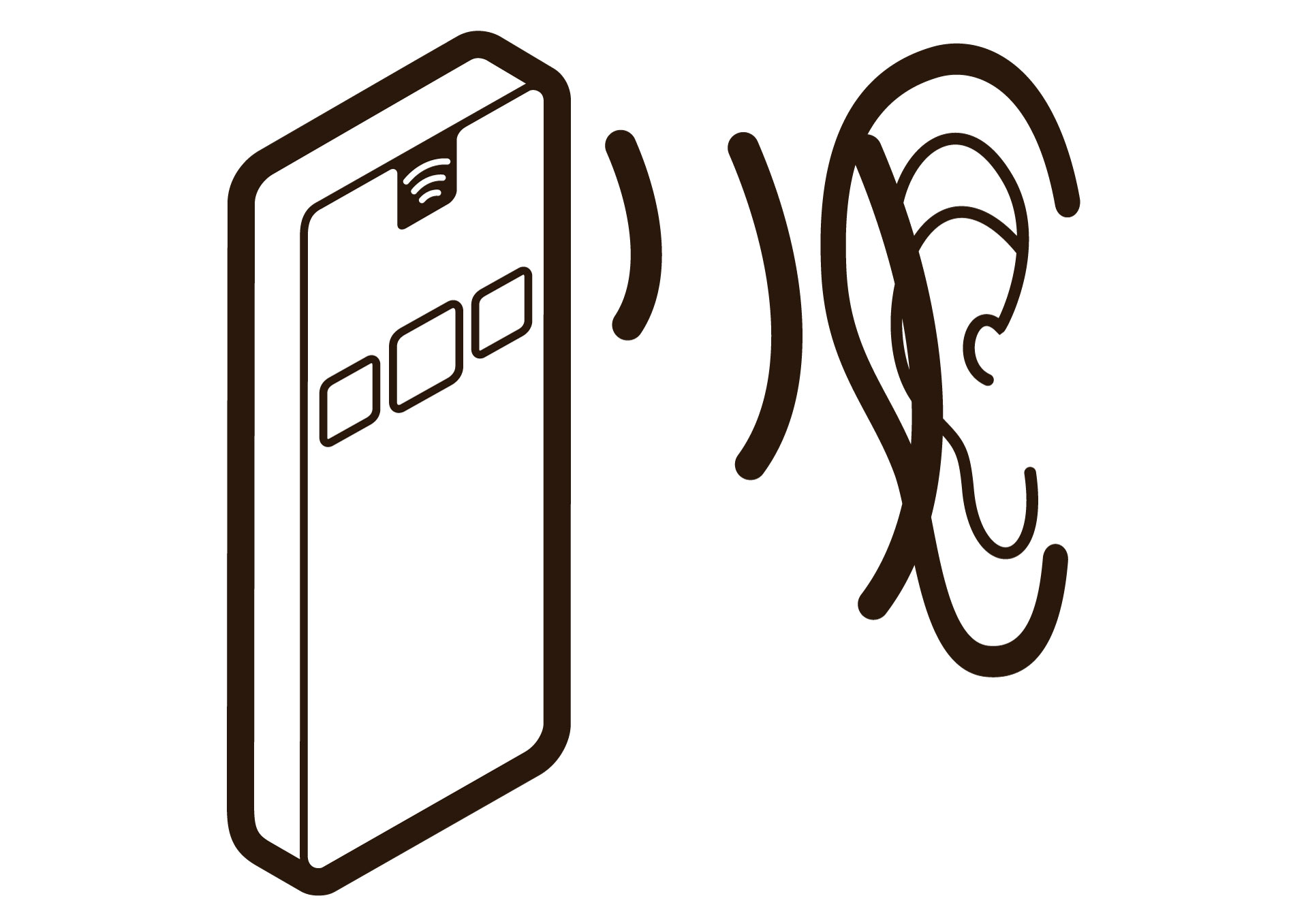
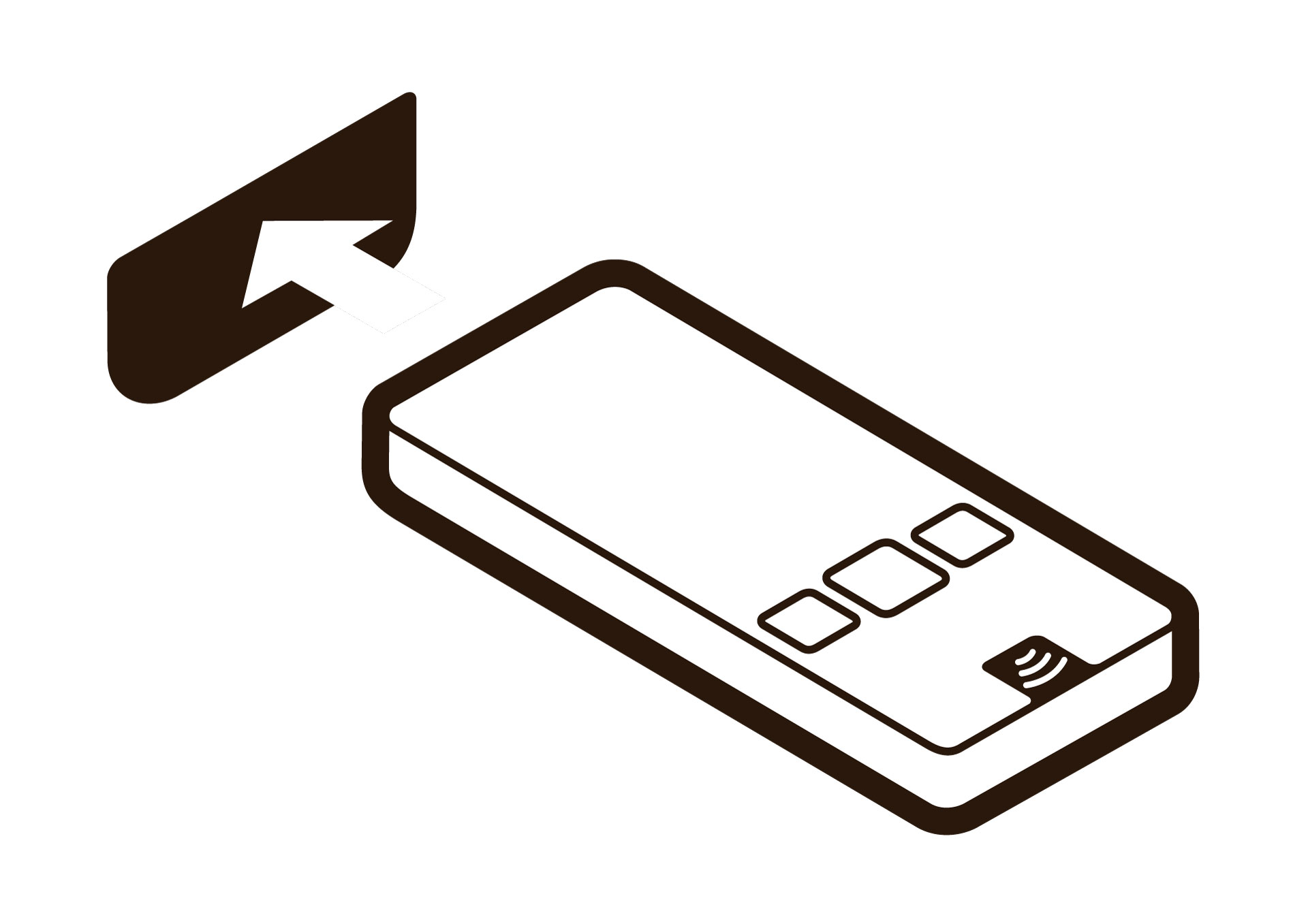
Section titled “Symbols for signage”Four symbols show the first steps of using a Podcatcher Classic. Add them to your signage, your language activation panel or your self-service furniture.
| Step | Illustrator file (ZIP) | Image (JPG) |
|---|---|---|
| 1. Take the Podcatcher out | 1-Take-Pod-out.zip | 1-Take-Pod-out.jpg |
| 2. Select a language | 2-Select-Language.zip | 2-Select-Language.jpg |
| 3. Listen | 3-Listen.zip | 3-Listen.jpg |
| 4. Put the Podcatcher back | 4-Put-Pod-back.zip | 4-Put-Pod-back.jpg |
Related articles
Section titled “Related articles”- What is the Podcatcher Classic? — the device and what a visit looks like
- Podcatcher Classic LEDs — what the lights mean
- Dockingstations and furniture — self-service furniture and visitor flow
- Installing IDentifiers — placing Start IDentifiers