Hardware
Cleaning Podcatchers
General cleaning
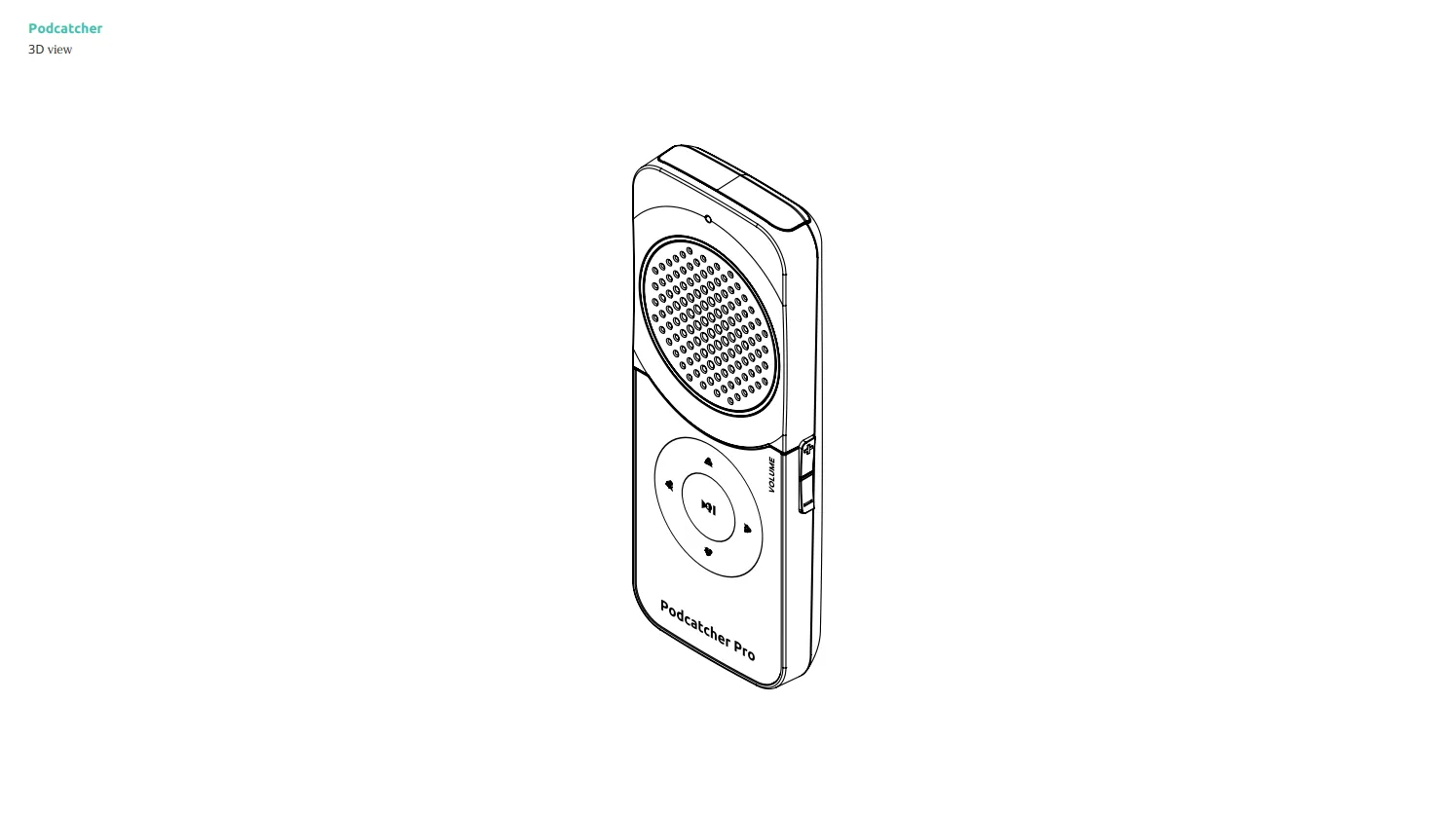
Section titled “General cleaning”Wipe the housing with a slightly damp, soft microfiber cloth; a little mild soap is fine. Wring the cloth out well. Behind the speaker grille sits a mesh that keeps out dust and moisture, but the Podcatcher Pro is not waterproof: keep liquid away from the grille, the 3.5 mm headphone jack and the magnetic charging contacts on the bottom.
Important warnings
Section titled “Important warnings”- Never submerge the device or spray liquid onto it.
- Avoid cleaners containing alcohol, acetone, ammonia, strong acids or bases — they can damage the plastic and the printed label.
- Do not let liquid collect in the speaker holes.
Safe cleaning steps
Section titled “Safe cleaning steps”- Wipe the surfaces gently, without pressing on the speaker grille.
- Let the device dry completely before docking it in the Basecamp or handing it out. Wet charging contacts can cause charging or sync problems.
Wrist lanyard care
Section titled “Wrist lanyard care”The flat wrist lanyard can be wiped with a damp cloth and a little mild soap. Let it dry before use.
Related articles
Section titled “Related articles”- Podcatcher Overview — monitor device status in the Platform
- Podcatcher LEDs — understand LED status indicators
Was this article helpful?